How to audit a Bubble app for WCAG accessibility
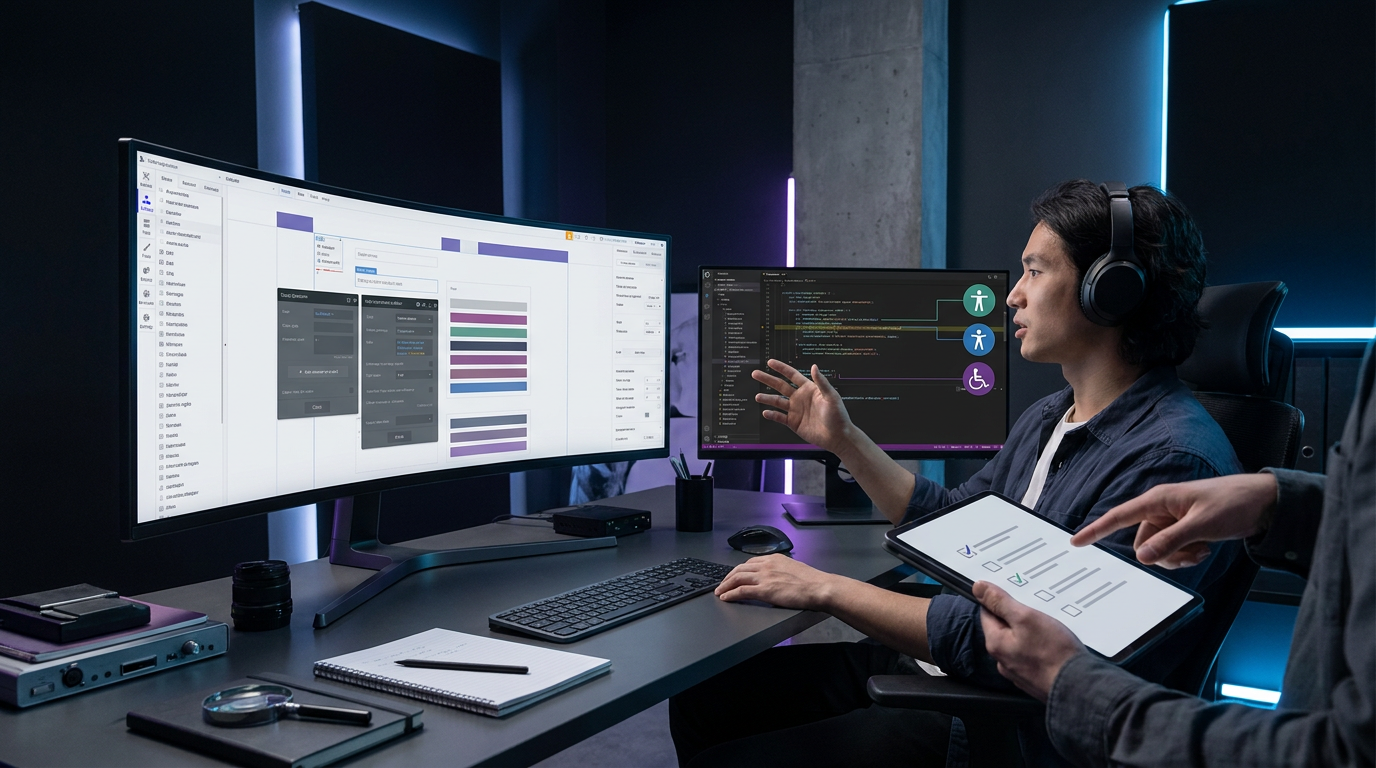
An audit examines the app's templates, content and shared parts. It shows how access flaws affect users. The findings help teams rank fixes and understand what needs to change.1
Bubble's built-in limits
Bubble does not provide native controls to edit a button's underlying code. It also lacks direct controls for adding aria-label and ARIA descriptions.2
Overlay plugins can add image alt text through AI. Their reports can still flag faults that need manual code edits.2
One workaround places an HTML element inside a reusable Bubble element. Custom properties pass ARIA values into the HTML. The reusable element can then work like a native Bubble element.2
This approach can expose an aria-label field, font size and colour fields. It offers a way to manage those values without selecting elements and changing styles through JavaScript. Failure to meet WCAG standards can also carry a risk of legal action.2
Manual WCAG checks
A manual-first audit reviews key user journeys against WCAG success criteria. Its scope includes templates, shared parts and content. Automated tools add coverage but do not replace this review.1
The review explains how each issue affects users. It also helps rank fixes and gives practical advice for improving access.1
Screen readers and screen magnifiers reveal barriers during real use. The review covers page structure, menus and the order of content. Forms and media are also part of the scope.1
Keyboard checks examine tab order and visible focus marks. They also cover focus management and support for an external keyboard.3
These checks matter when users cannot rely on touch. Switch controls and other input methods are also part of the review.3
Visual checks examine colour use and contrast ratios. They also cover text resizing and how content flows when its size changes.3
The review examines the app with larger text and high-contrast modes. It also looks at clear wording and visual layout for users with different needs.3
Scans, reports and fixes
Automated tools support manual review by adding coverage and making the work more efficient.1, 3 A full report brings automated findings and manual results together. This gives teams a broad view of the app's access issues.4
Fix advice sets priorities and can include code examples where needed. A guide grouped by issue type helps developers understand why changes matter.4
Audit reports can be exported into a team's issue tracker.4 After an audit, teams can record fixes in a tracking platform. Follow-up review confirms resolved issues or gives feedback on incomplete fixes.3
The process can then lead to a Voluntary Product Accessibility Template, or VPAT. It can also lead to an Accessibility Conformance Report, or ACR.3, 5
Standards, laws and audit timing
Audits can assess WCAG 2.1 or WCAG 2.2 at Level A, AA or AAA. The scope can also address access duties under relevant laws.1
Relevant frameworks include the UK Equality Act 2010, Section 508 and the European Accessibility Act. An audit is not itself legally required, but laws set access expectations for some organisations.1
Audit length depends on the app's size and complexity. A smaller app may take a few days. More templates, user journeys or linked systems can mean a longer review.1
New pages, content and features can introduce access barriers. Periodic checks help track whether the app still meets the chosen standards.1, 4
Audits can take place before major launches or redesigns. Access work can also run through design, development and testing to help prevent new issues.1
Evaluating web apps with SimplyScan
SimplyScan grades eight areas in one pass, including WCAG access, speed, security threats, SEO and AI visibility. It also grades GDPR signals, domain health and email security.
SimplyScan detects platform signals that include Bubble. Platform detection is not a permission test.
SimplyScan scans web apps or GitHub repos. Every finding comes with a copy-paste fix prompt for an AI editor.6
Sources
Frequently asked questions
Is your app secure? Run a free security scan in 30 seconds · free account required.
Scan your app free →